
T-IS1.9.11 - Google Play
You'll be able to see results in few seconds.
Publisher Description
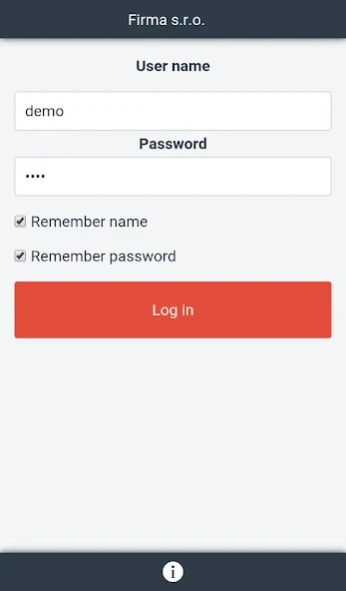
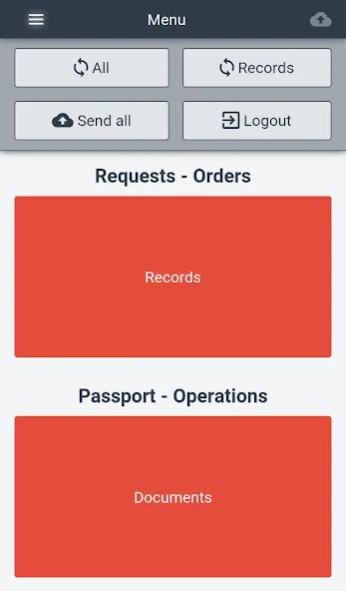
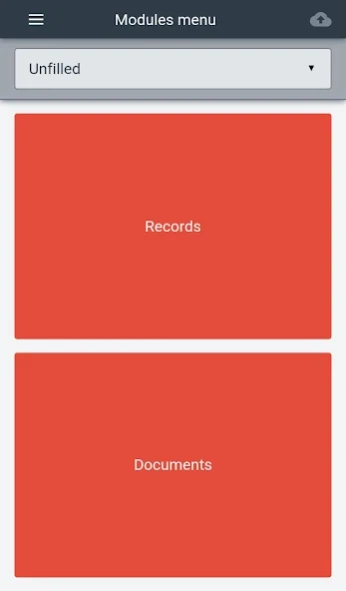
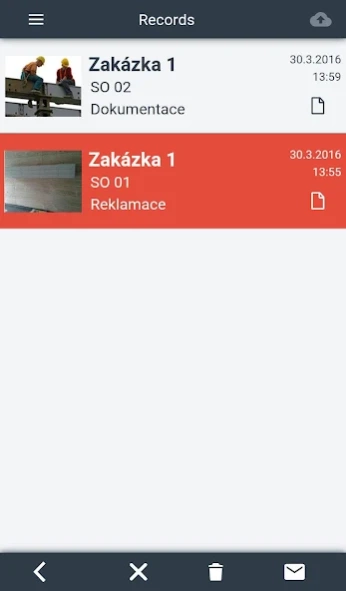
Universal mobile application for data acquisition in the field.
Universal application for data acquisition in the filed. Application is used with T-IS web application and can be personally customized.
Main areas of usage:
Facility management
Passport, HelpDesk whit sophisticated Work Flow, repetitive activities, finances, budget, inventory, contacts, reports, etc.
Construction and Building
This solution is focused on companies and individuals, who
Toto řešení se zaměřuje na společnosti a jednotlivce, who either within their business or through subcontractors carry out any work that need to be documented, such as: construction records, checkdays etd.
Schools
The Facility Management solution was adjusted for school purposes and was named “System of management control”.
Road management
Passportisation of road network elements, defect register, conducting inspections, guarantees, etc.
Water-related
System for supply points register, planning abstraction and abstraction of water samples using mobile devices.
Application supports:
- menu definition
- grid view definition including photo preview
- form definition
- report distribution
- data synchronization
- etc.
Supported attribute types:
- text
- number
- checkbox
- combobox
- tree
- photo
- GPS
- etc.
Application fully supports offline mode.
About T-IS
The company that develops T-IS is Tectronik s.r.o.. The latest version released by its developer is 1.9.11.
To install T-IS on your Android device, just click the green Continue To App button above to start the installation process. The app is listed on our website since 2018-01-29 and was downloaded 0 times. We have already checked if the download link is safe, however for your own protection we recommend that you scan the downloaded app with your antivirus. Your antivirus may detect the T-IS as malware as malware if the download link to cz.tectronik.tismobile is broken.
How to install T-IS on your Android device:
- Click on the Continue To App button on our website. This will redirect you to Google Play.
- Once the T-IS is shown in the Google Play listing of your Android device, you can start its download and installation. Tap on the Install button located below the search bar and to the right of the app icon.
- A pop-up window with the permissions required by T-IS will be shown. Click on Accept to continue the process.
- T-IS will be downloaded onto your device, displaying a progress. Once the download completes, the installation will start and you'll get a notification after the installation is finished.
Program Details
System requirements
Download information
Pricing
Version History
version 1.9.11
posted on 2018-01-29
Possibility to add photos from gallery.
Combo boxes can be displayed as items with checkboxes instead.
version 1.1.0
posted on 2016-09-05
- automatic launcing camera for new record, when there are no pictures yet,- option for automatic record deleting after the record is send to server,- option for automatic sending report after the recotd is send to server,- new component sketch for advanced vector painting over the picture
Disclaimer
Official Google Play Link
We do not host T-IS on our servers. We did not scan it for viruses, adware, spyware or other type of malware. This app is hosted by Google and passed their terms and conditions to be listed there. We recommend caution when installing it.
The Google Play link for T-IS is provided to you by apps112.com without any warranties, representations or guarantees of any kind, so access it at your own risk.
If you have questions regarding this particular app contact the publisher directly. For questions about the functionalities of apps112.com contact us.
